Budget Bliss Emporium
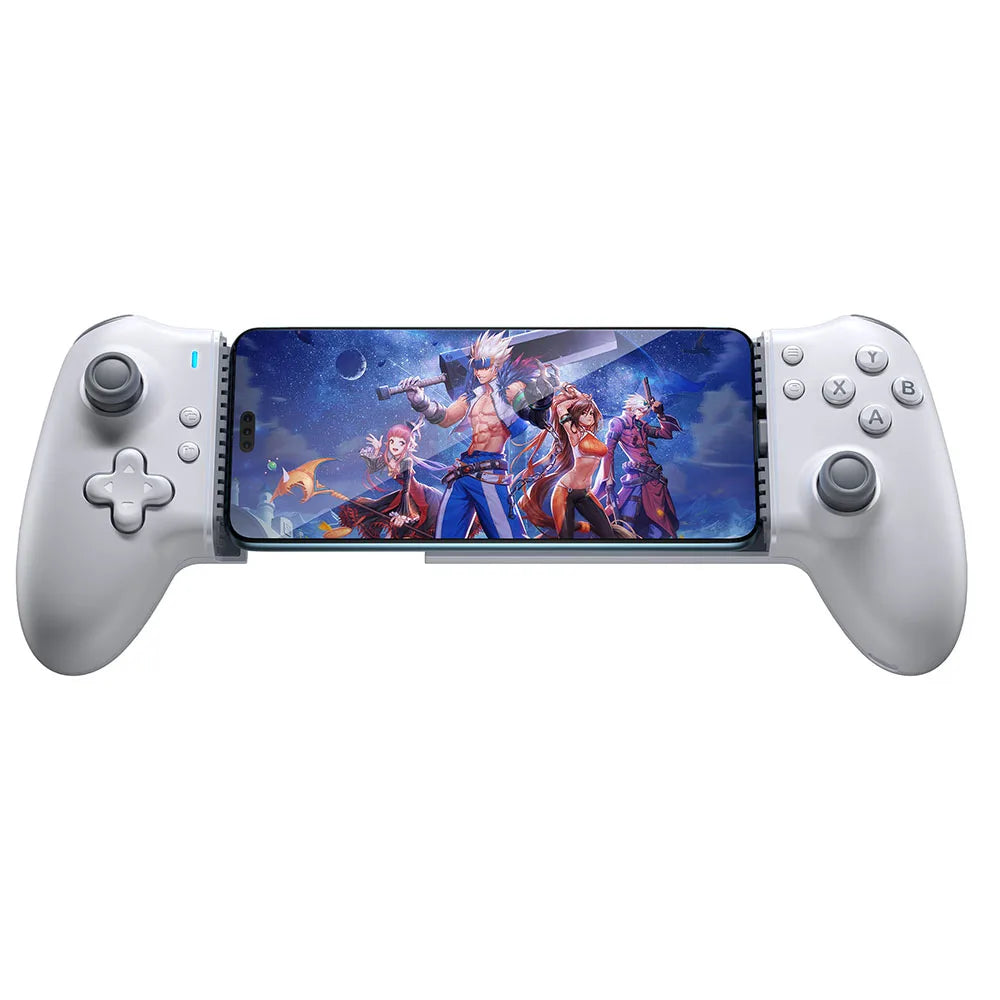
EasySMX M15 Type C Mobile Phone Controller Compatible with Android/iOS Phone/Xbox Game Pass/xCloud Cloud Gaming, Hall Effect
EasySMX M15 Type C Mobile Phone Controller Compatible with Android/iOS Phone/Xbox Game Pass/xCloud Cloud Gaming, Hall Effect
Couldn't load pickup availability
SPECIFICATIONS
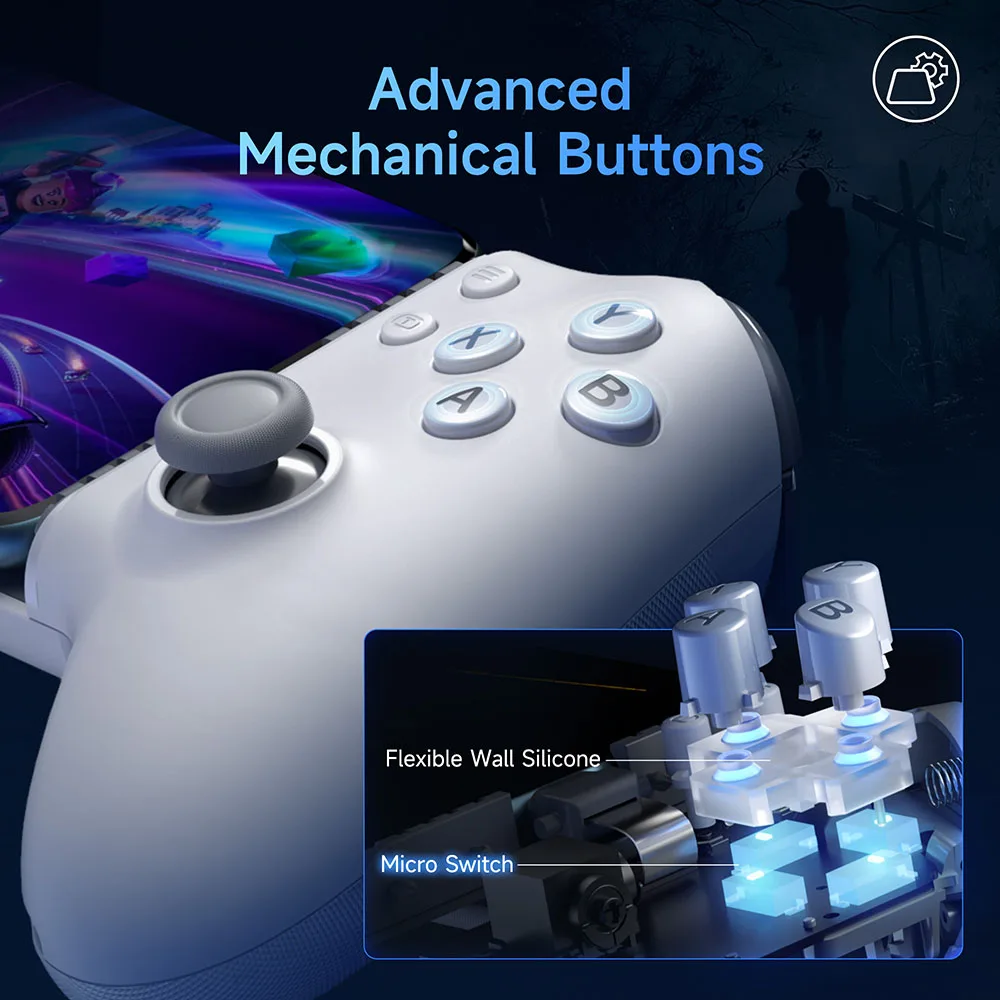
ABXY Switch Type: MICRO SWITCH
Battery Included: No
Brand Name: EasySMX
Bumpers Switch Type: Tactile switch
Certification: CE,FCC,RoHS
Compatible Brand/Model: Mobile Device
Compatible Platform: Android,iOS
D-pad Switch Type: Tactile switch
Hall Effect: Yes
High-concerned chemical: None
Interface Type: Type C
Joystick Sensor Module Brand/Type: GuliKit
Mobile Device Model: Android Smartphones
Model Number: M15 Type C
Origin: Mainland China
Package: Yes
RGB lighting joysticks: No
Support Software configuration: Yes
Trigger Button Type: Hall-Linear
Type: Gamepads
Wear-resistant joysticks: No
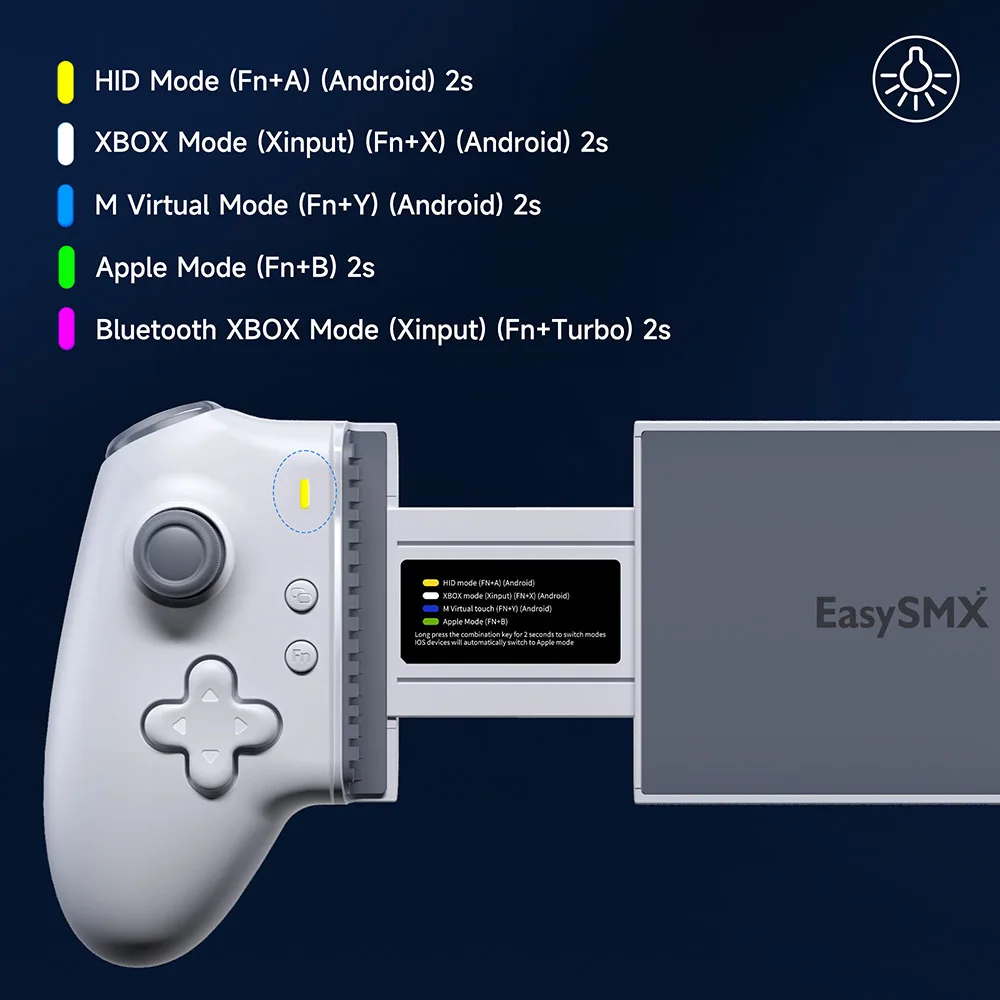
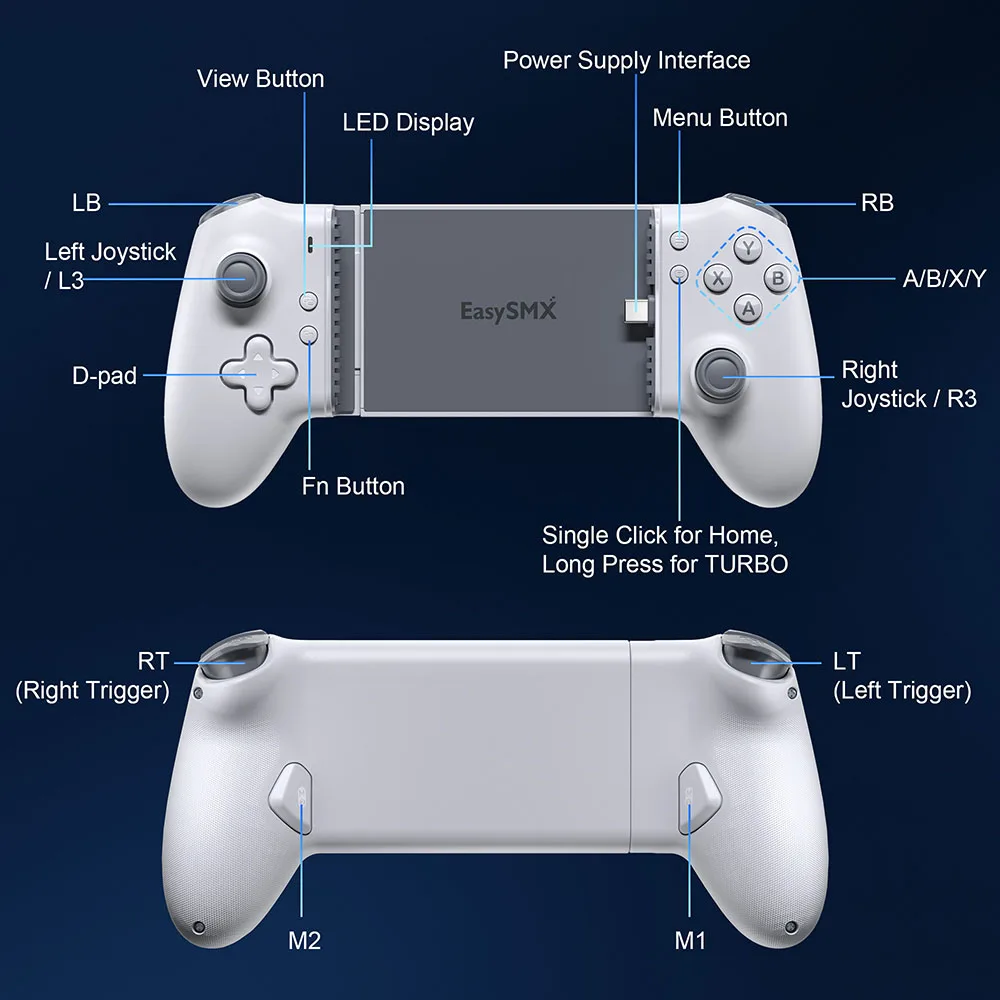
Modes Light Display
1.HID Mode (FN+A for 2 seconds)(Only for Android)
The yellow light blinks slowly and then stays on, indicating a successful connection.
The mode offers the best compatibility with native Android controller games and is recommended for native games by default.
2.XBOX Mode (Xinput) (FN+X for 2 seconds) (Only for Android)
The white light blinks slowly and then stays on, indicating a successful connection.
This mode is suitable for playing streaming and console games. The controller vibration only works properly in this mode.
3.Smart Mapping Mode (FN+Y 2 seconds) (for Android)
The blue light flashes slowly, and the blue light is always on when the connection is successful. This mode is mainly used in mobile games that do not support the native joystick, the initial key mapping needs to be used with APP.
Download address can scan the QR code on the manual, after the key mapping is completed, the second time you enter the game may not need to open the APP to use.(For specific operation, please check the video tutorial)
4.Apple Mode (FN+B for 2 seconds)
The green light blinks slowly and then stays on, indicating a successful connection.
This mode supports Apple phones that use the Type-C interface to natively support controller games.
5.Bluetooth XBOX Mode (Xinput)(FN+TURBO for 2 seconds)(Bluetooth Name: Xbox Wireless Controller)
The purple light blinks slowly and then stays on, indicating a successful connection.
This mode is suitable for playing streaming and console games, such as Call of Duty. The controller vibration only works properly in this mode.
6. Bluetooth Mapping Mode (Bluetooth name: EasySMX M15)
Red light flashes slowly, red light is always on when connection is successful.This mode is mainly used in mobile games that do not support the native handle, the initial key mapping needs to be used with APP, the download address can be scanned from the QR code on the manual, the second time you enter the game after the key mapping is completed, you do not need to open the APP to use it. (Specific operation can be viewed in the video tutorial, this mode is a backup mode, in the case of wired mode can be used normally, do not recommend this mode.
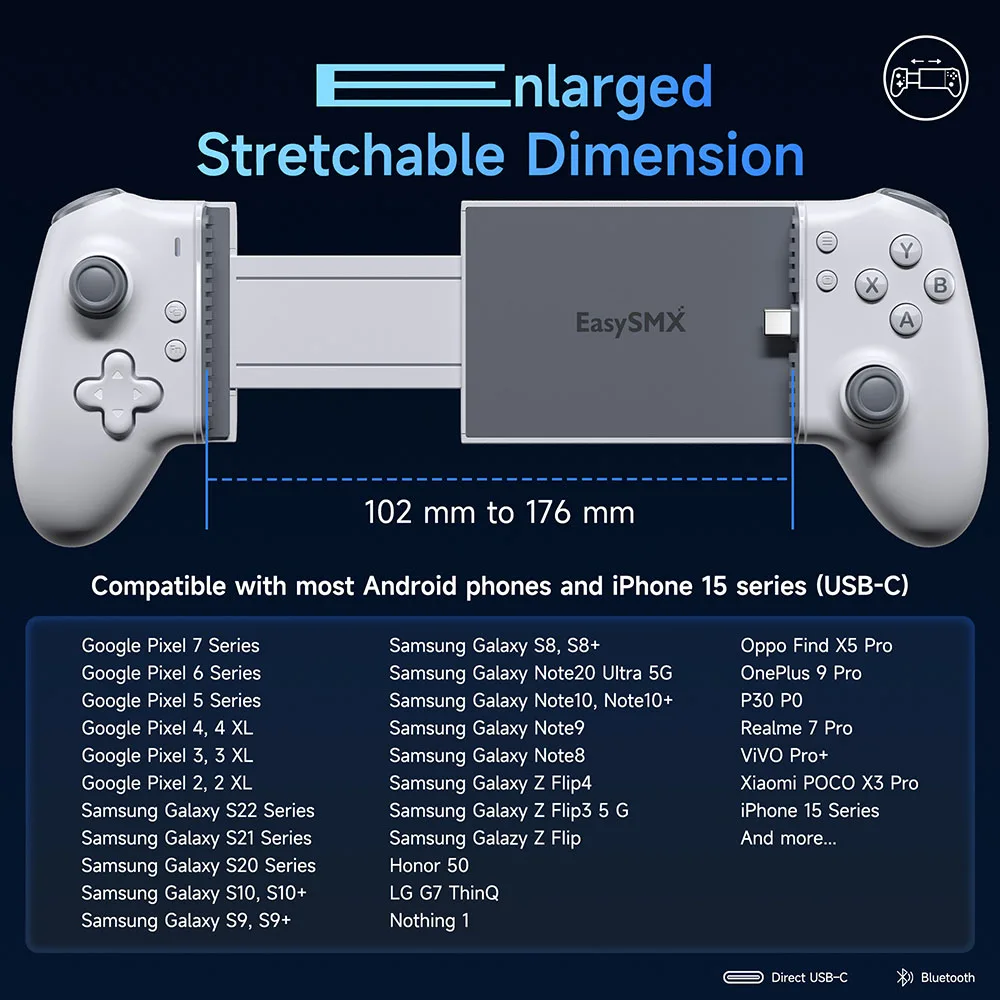
Widely Compatibility: M15 mobile phone game controller supports Android/iOS Type C interface phones
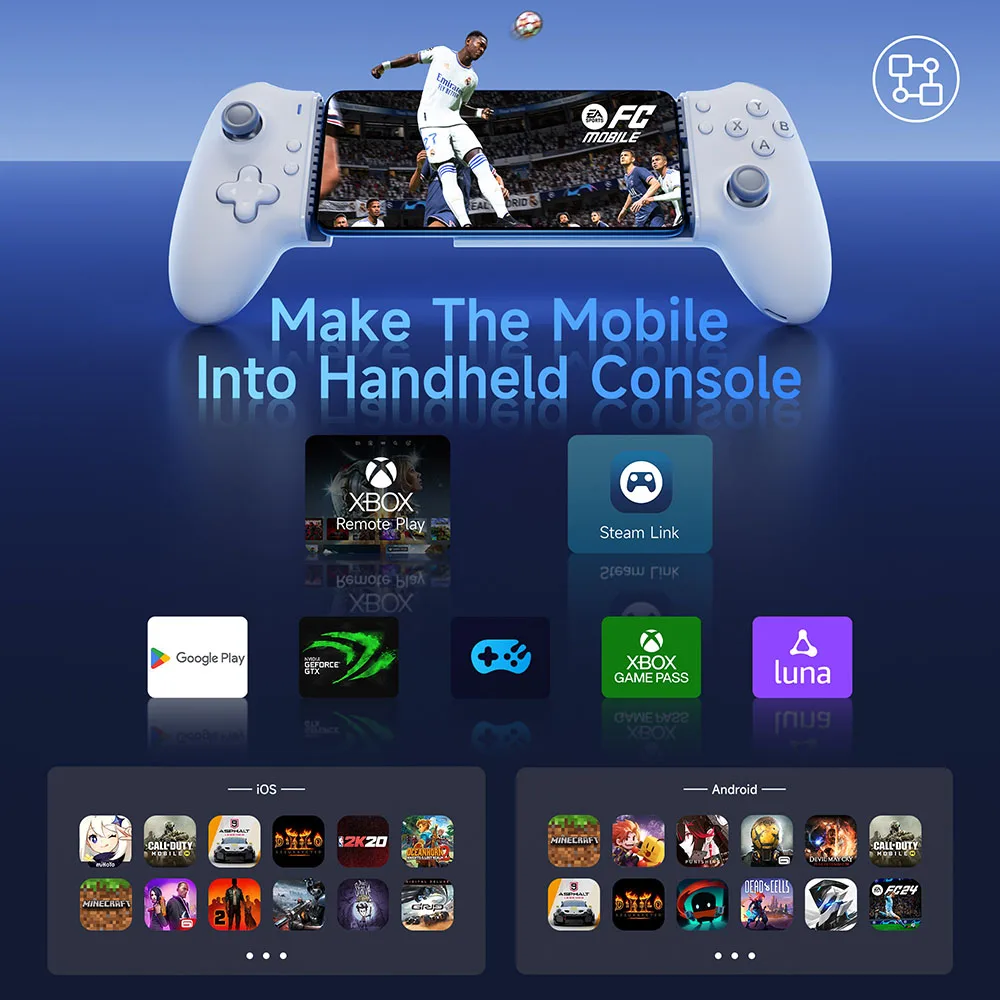
Support Android Native and Host Ported Games: The controller has built-in HID/XBOX/PS protocols, which can effectively be compatible with Android native controller games and host ported games, and supports Cloud Gaming Xbox Game Pass, STADIA, xCloud, GeForce, Luna
Finely Tuned Hall Joysticks: No drift, with a service life of up to 5 million times. There is no most durable, only more durable
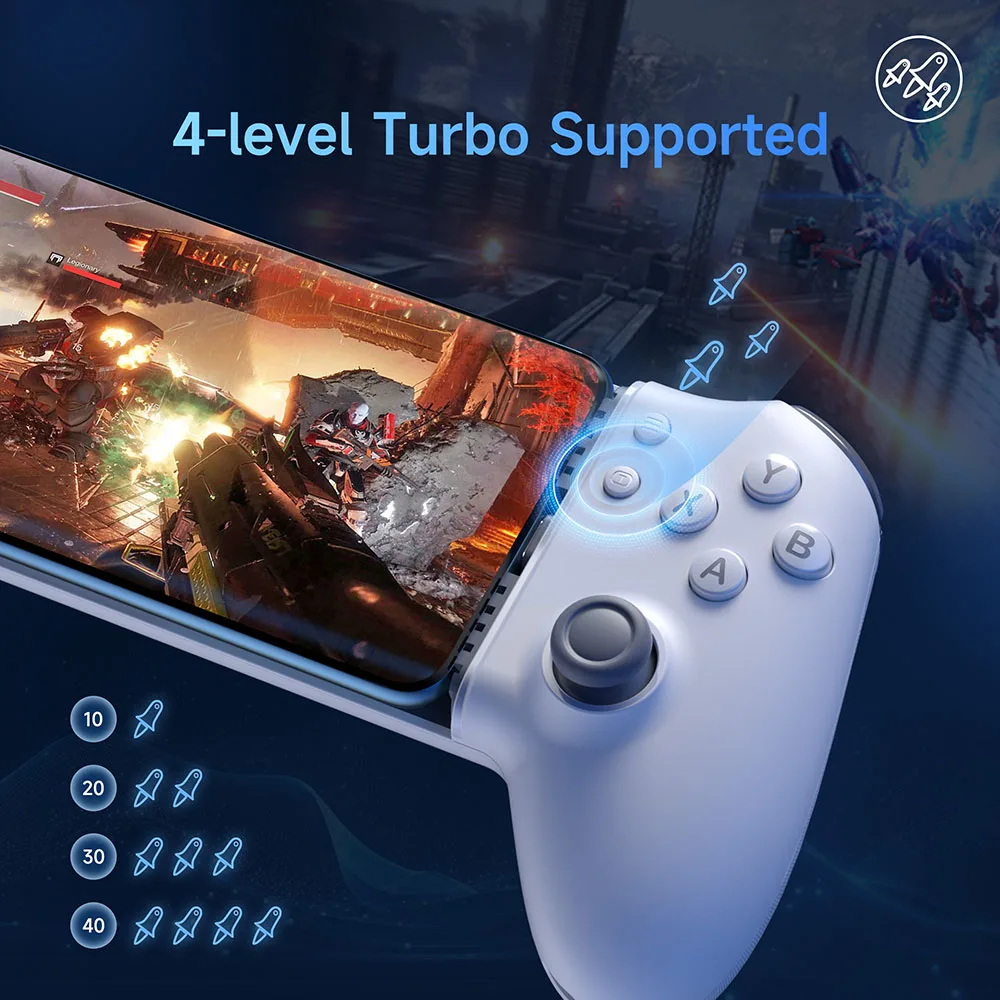
More Powerful Trigger Function: The trigger not only has a Hall effect, but also has a quick trigger function, which reduces the cooling time of game operations and makes your gaming experience smoother
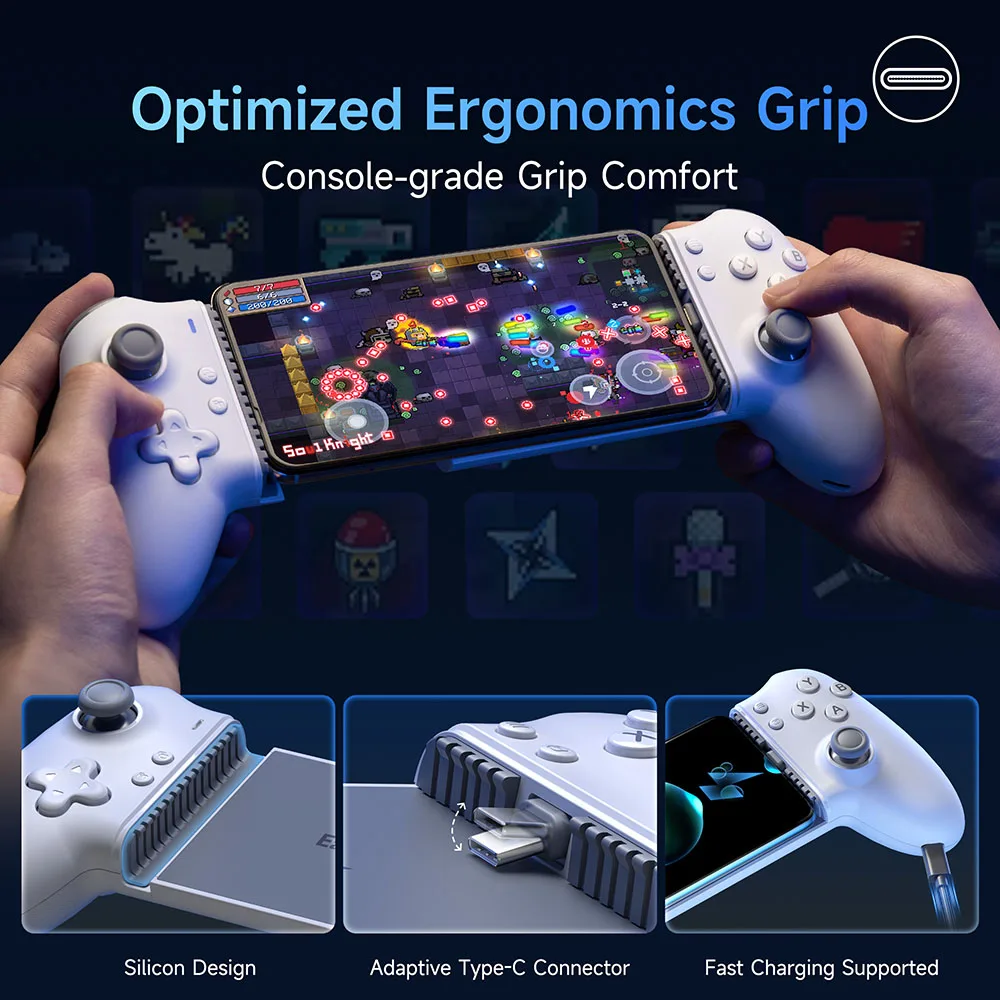
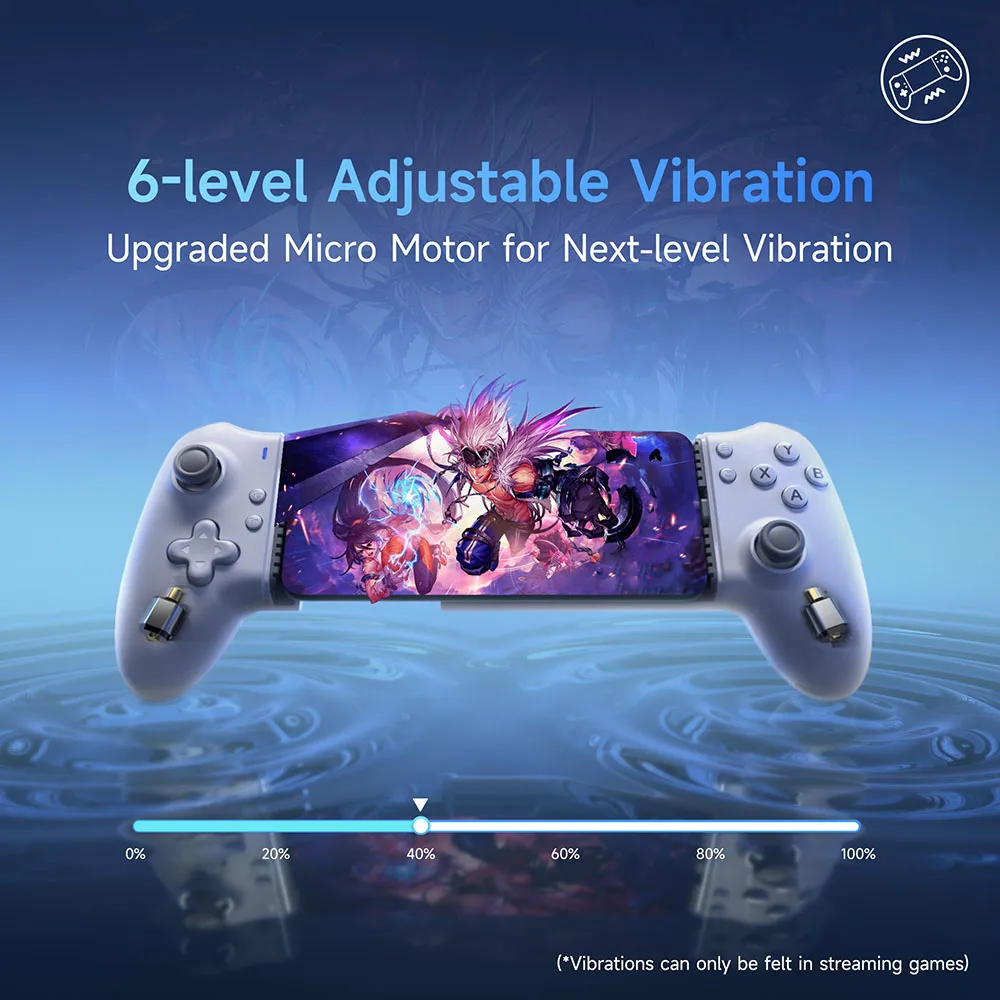
Vibration Effect: The controller has its own motor, and supports games with native vibration signals through the streaming platform
Mapping Function: For mobile games that do not support native controllers, the controller supports the APP "MooWii Gaming" mapping function, such as Call of Duty
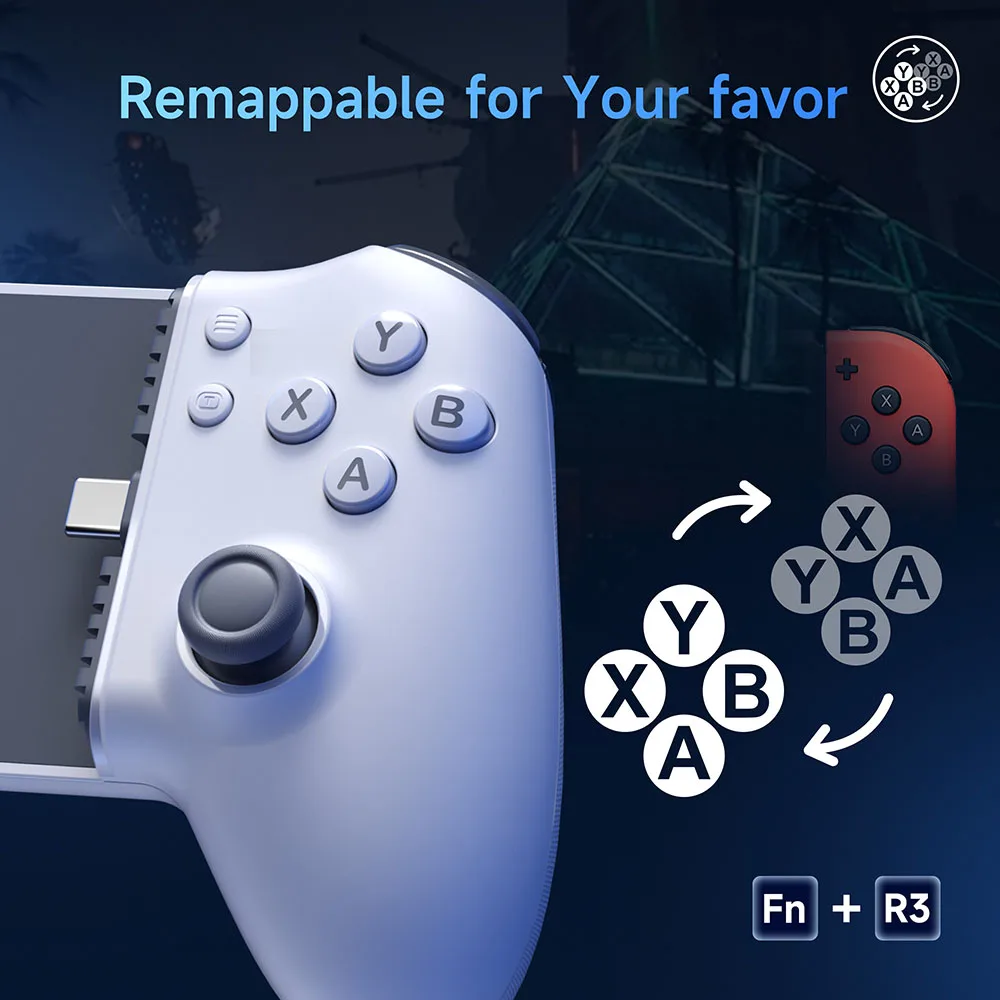
Switch ABXY Layout: FN & right joystick press down for 2 seconds to switch switch layout (vibrate once); FN & right joystick press down for 2 seconds to switch Xbox layout (vibrate twice)
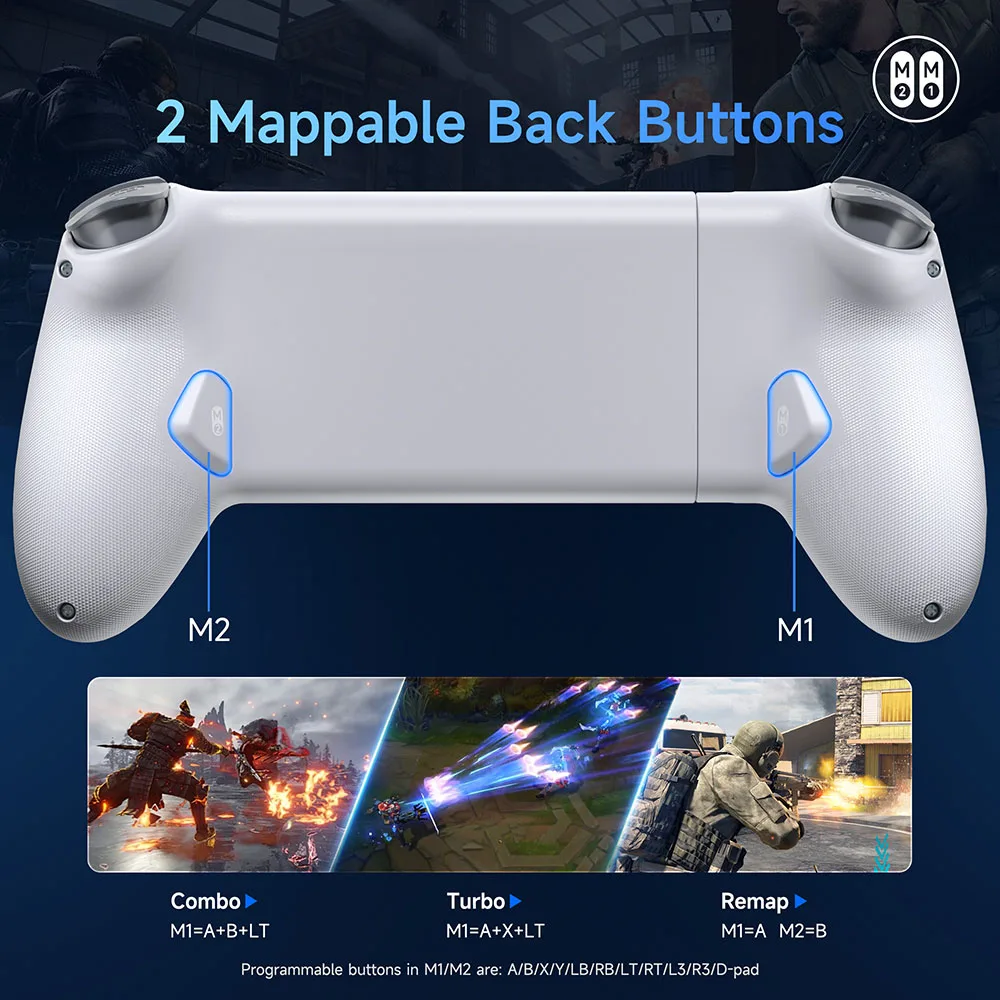
Custom Back Button: high degree of freedom large back button, giving players more customized gameplay, easy combo, not easy to touch by mistake
Package List
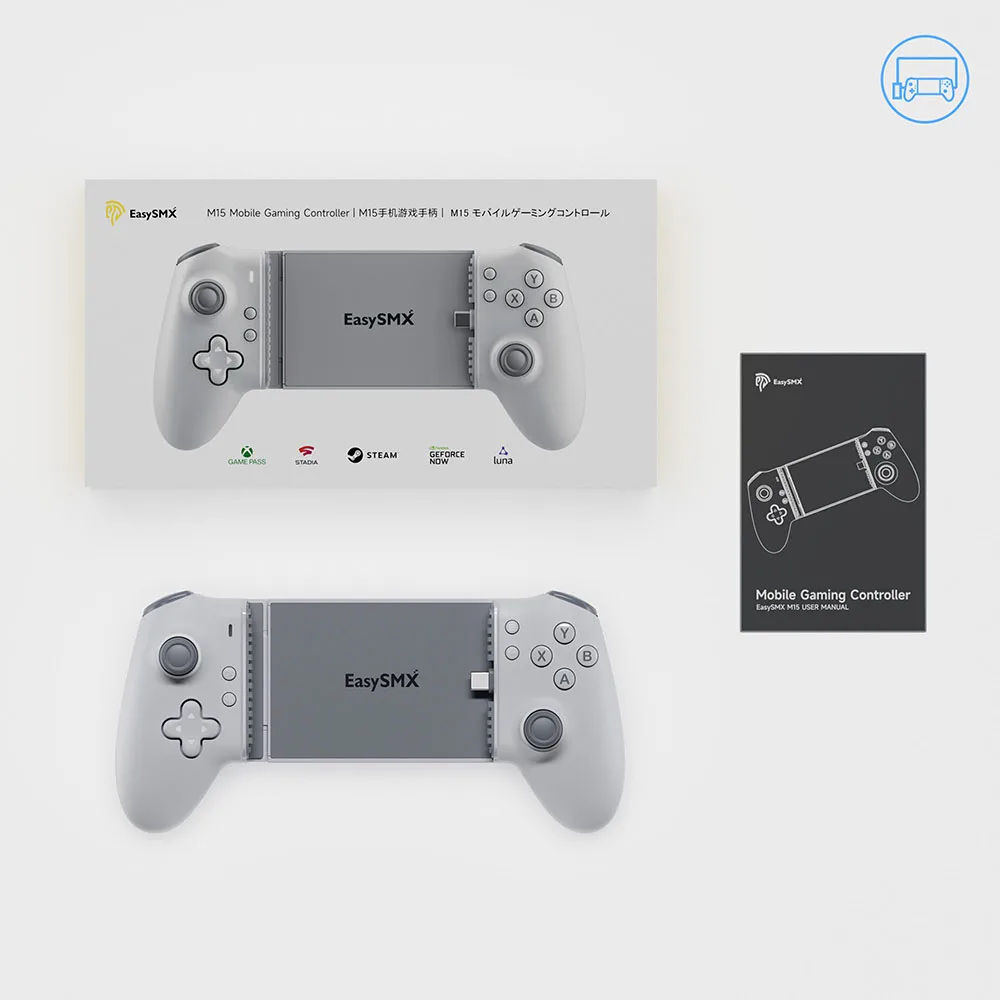
1 x M15 Phone Controller
1 x User Manual
Connection Operation Video